01
Find, download, and read books
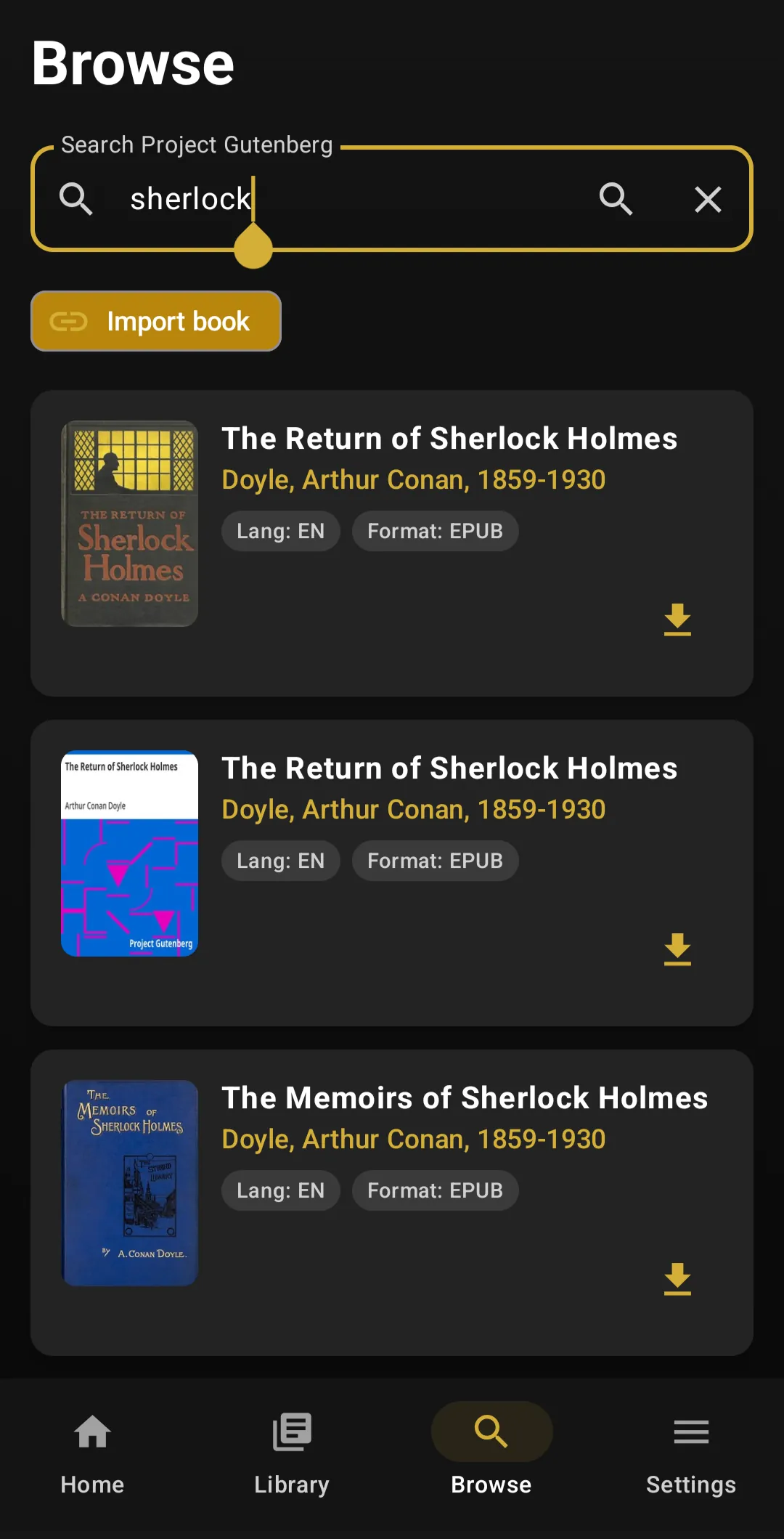
Browse Project Gutenberg by title or author, download complete books, save progress, and keep reading offline.
Guten for Education
Guten makes public-domain literature from Project Gutenberg easy to discover, download, read offline, highlight, and annotate on Android. Schools and libraries can simply recommend it. There is no institutional license or deployment process.
Android now. iPhone support is in development.
Free for reading and study
Students do not need Premium to read books, highlight passages, take notes, use bookmarks, share quote cards, or read offline. The free version is a full reading and annotation tool, not a trial.
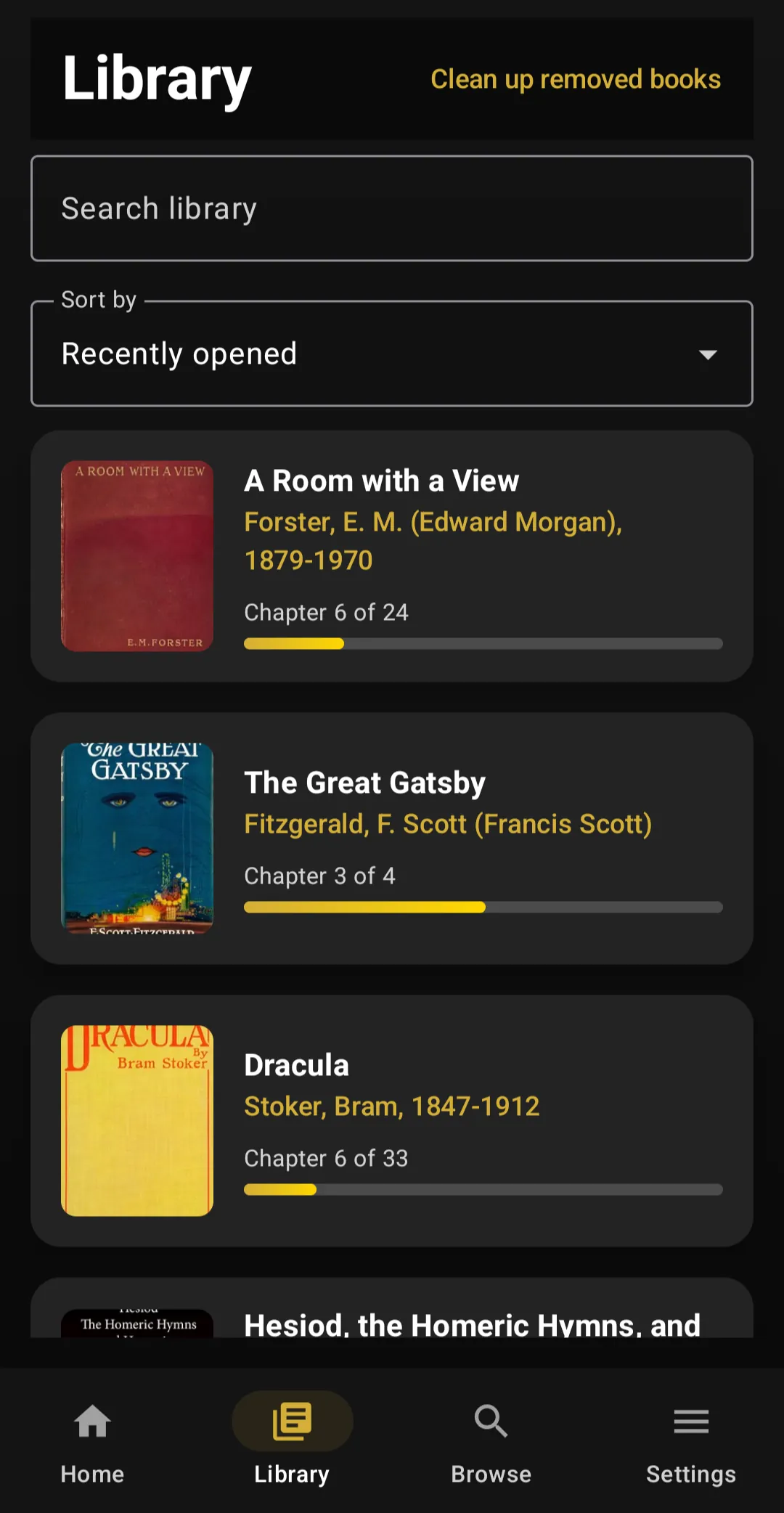
Browse Project Gutenberg by title or author, download complete books, save progress, and keep reading offline.
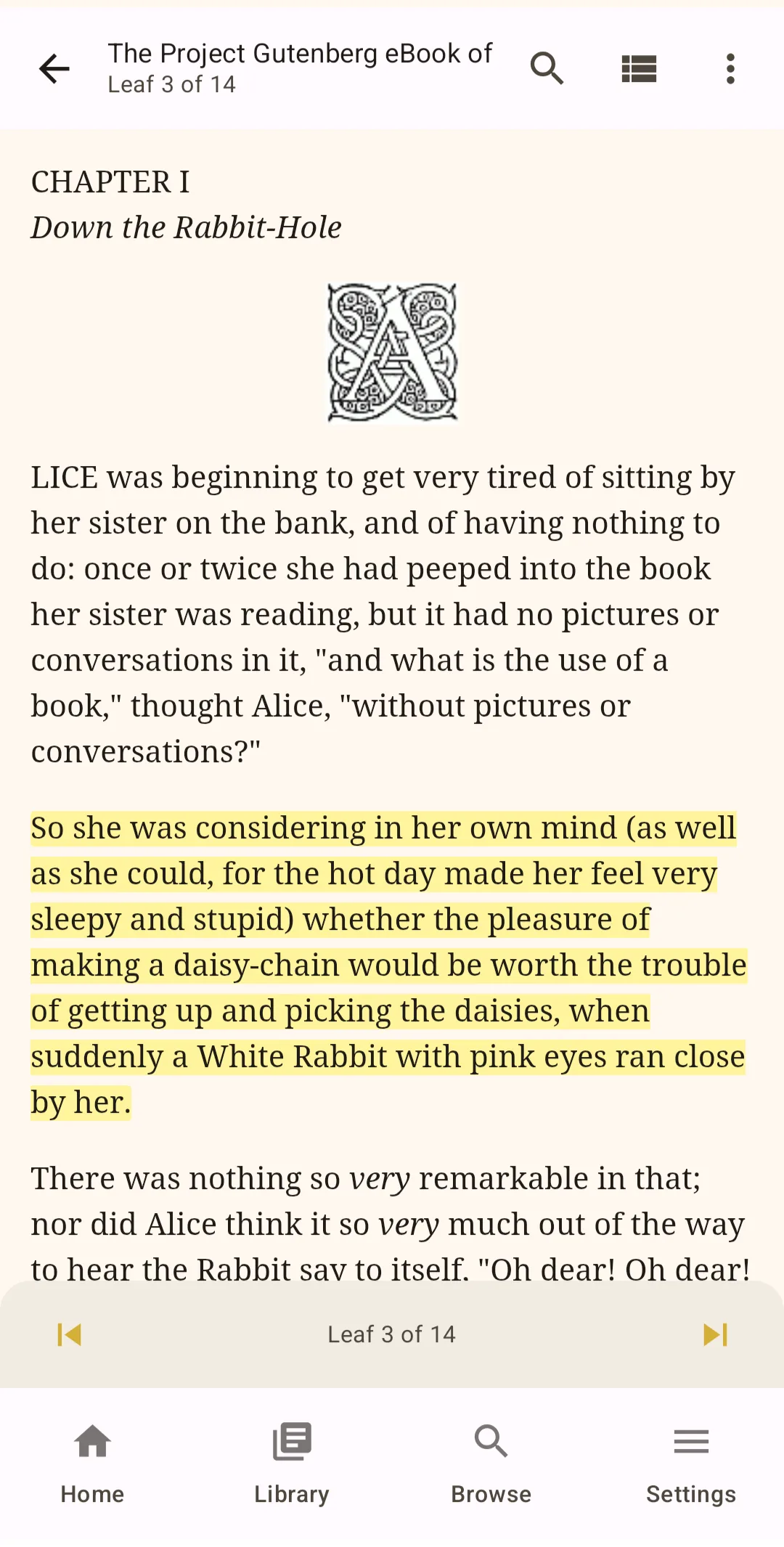
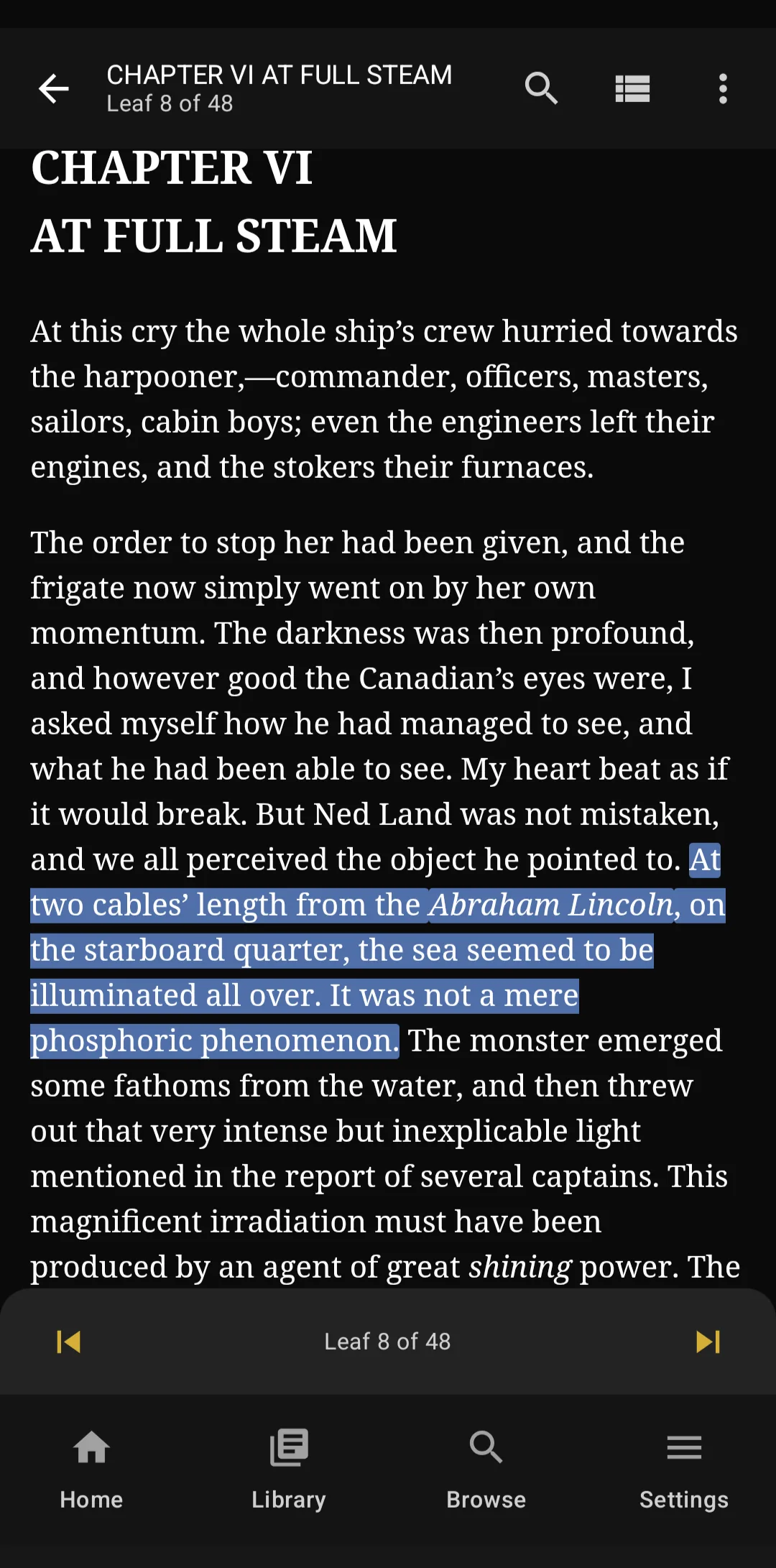
Mark passages, attach notes, save bookmarks, and review or search annotations within each book.
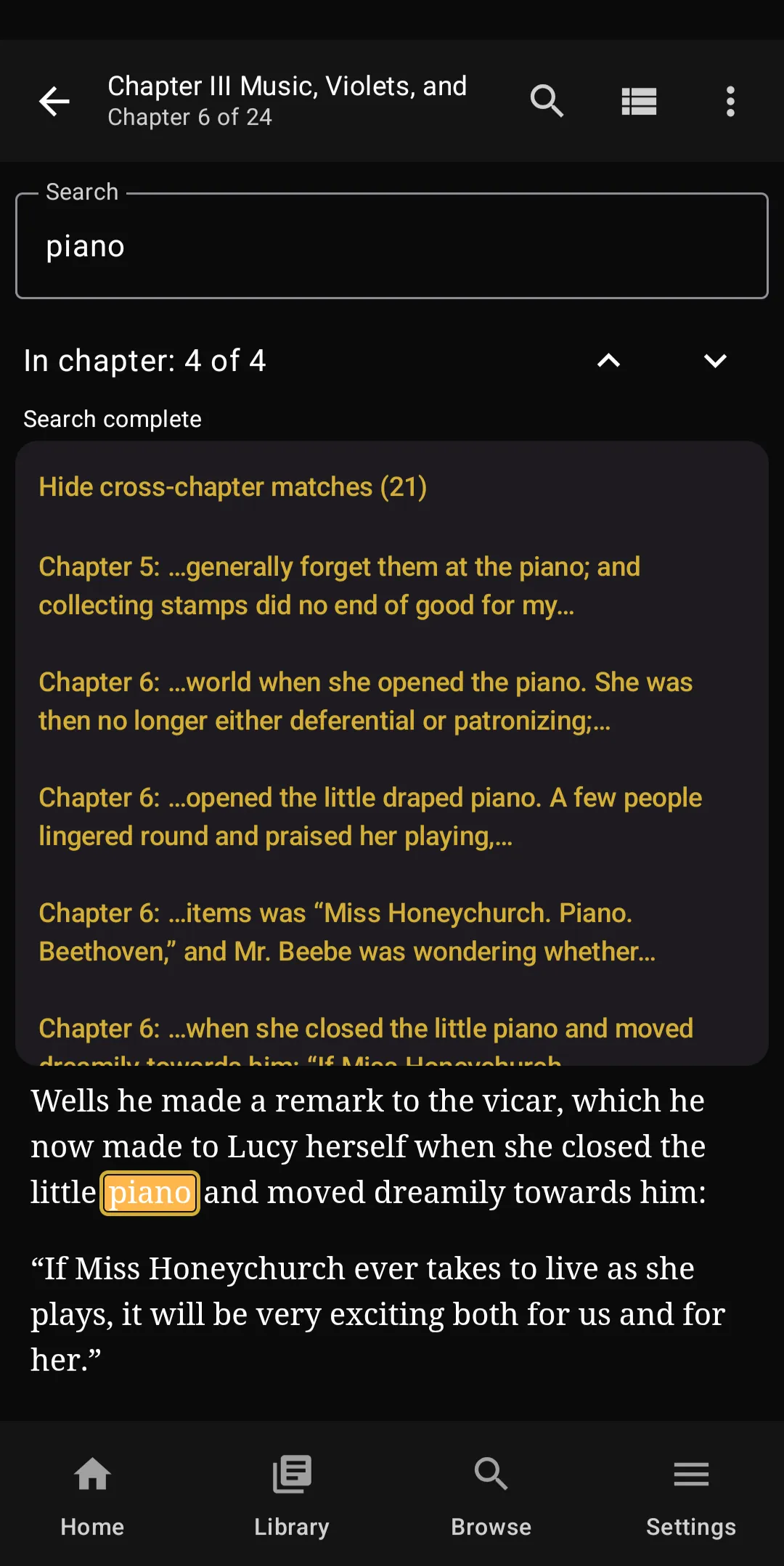
Search within the current leaf or across a whole book, then use Define when a word needs a quick lookup.
Adjust fonts, text size, spacing, margins, justification, themes, and navigation. Atkinson Hyperlegible is included.
Set daily reading goals, follow streaks, and see reading statistics without creating an account.
Basic Share Studio turns highlights into quote cards students can share, helping books and passages travel between readers.
Why institutions might choose Guten
A school, library, ministry, or literacy program can simply link to Guten on Google Play. Students install the app and begin reading. There are no student rosters, institutional accounts, school licenses, or administrative dashboards to configure.
Guten is designed for Android phones and tablets rather than specialized reading hardware.
Students can download books when connectivity is available and continue reading offline.
Highlighting, notes, bookmarks, search, reading goals, and basic Share Studio do not require Premium.
No institutional license, student account provisioning, or integration is needed to recommend the app.
Progress, bookmarks, highlights, and notes are stored on the device. Read the privacy policy.
What students can read
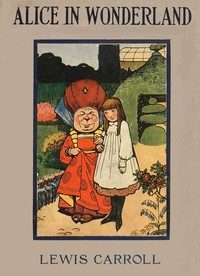
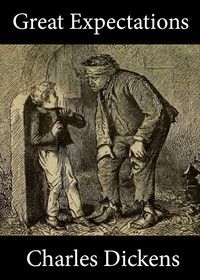
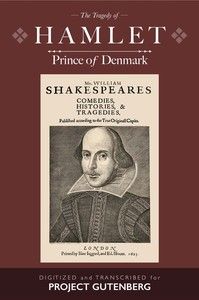
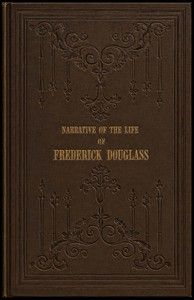
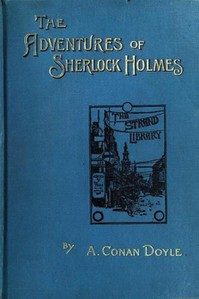
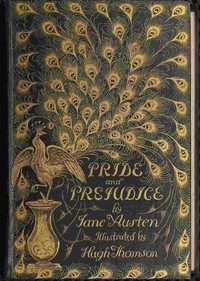
Project Gutenberg ranges from children's classics and adventure stories to major works of literature, history, philosophy, and more. Here are a few starting points.
The catalog also includes biography, history, poetry, philosophy, science, and thousands of other works.
Studying Homer? Ulix also makes Breaker of Horses, a focused Iliad and Odyssey reader with Homeric Greek and three classic English translations.
See Breaker of Horses →Project Gutenberg determines public-domain status under U.S. law. Users and institutions should follow applicable copyright law in their country.
Low-connectivity friendly
Once a book is downloaded, students can continue reading without a continuous internet connection. Guten also offers a Wi-Fi-only download option for readers on limited data plans.
Privacy and simplicity
Guten does not require an account and does not contain advertising. Downloaded books and reading data such as bookmarks, highlights, notes, and reading progress are stored locally on the device.
Guten does not automatically sync a student's reading history to a cloud account. Students can export and restore a backup when they want to move their data.
Read the Guten Privacy Policy →Guten connects to Project Gutenberg and related catalog services for book listings and downloads, Google Play for optional Premium billing, and Sentry for crash and reliability diagnostics.
See exactly what Guten sends and stores →Free vs. optional Premium
Premium is a one-time purchase for readers who want additional organization and convenience. It is not required to access books or use the core study experience.
Premium adds power-user tools. Reading, highlighting, note-taking, bookmarks, offline access, and Basic Share Studio remain free.
A focused reading experience
Guten keeps discovery, reading, annotation, and search close together so students can spend more time with the text.
FAQ
Core reading and study features are free. Students can browse, download, read, bookmark, highlight, take notes, search, set reading goals, use Basic Share Studio, back up their data, and read offline without buying Premium.
Yes. Highlighting and note-taking are free, as is reviewing notes and highlights within an individual book. Premium adds the cross-library Notes Manager and dedicated annotation-export formats.
No account is required to use Guten. Downloading the app through Google Play uses the student's normal Google Play environment.
No. Guten has no advertising network and does not use reading behavior for advertising or behavioral marketing. Read the Privacy Policy.
Yes. After a book has been downloaded, it can be read without a continuous internet connection.
No. A school, library, university, ministry, or literacy program can simply recommend Guten's Google Play listing to students. There is no institutional setup required for the free reading experience.
Premium adds Read Aloud, the cross-library Notes Manager, dedicated note and highlight export, Collections, a Pomodoro reading timer, and advanced Share Studio options. Premium is a one-time purchase.
Guten helps readers discover and read public-domain books available through Project Gutenberg and related catalog services. Guten is an independent app and is not affiliated with, endorsed by, or officially connected to Project Gutenberg or the Project Gutenberg Literary Archive Foundation.
Not yet. Guten is currently available on Android, and iPhone support is in development.
No form, sales call, license agreement, or institutional setup is required. Share the Google Play link and students can start reading.
Get Guten on Google PlayCurrently for Android. iPhone support is in development.